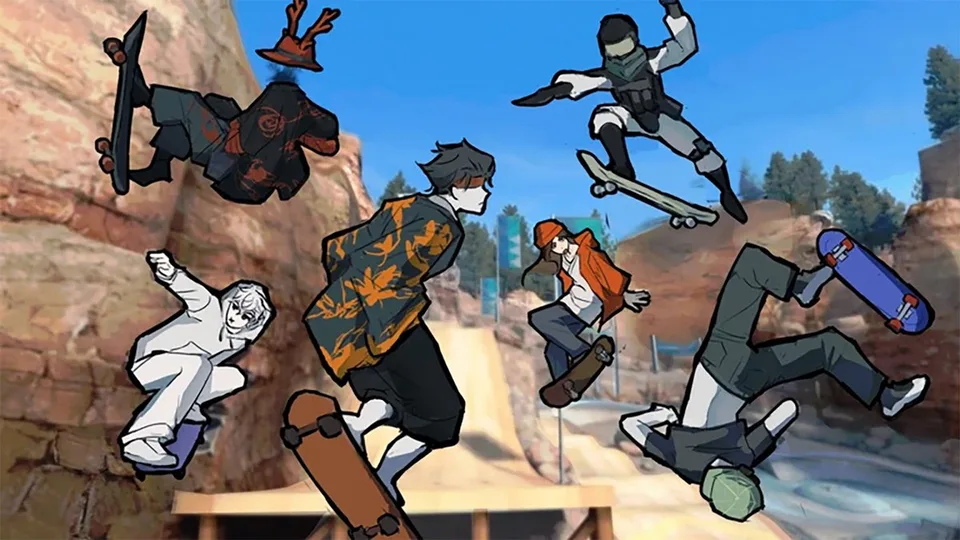
Tricks

How to kickflip without guessing the buttons

Pop, flick, and catch a kickflip on flat ground before you throw it off a ledge.

How to kickflip without guessing the buttons

Pop, flick, and catch a kickflip on flat ground before you throw it off a ledge.

What you are trying to land

Guides describe the kickflip as a jump, a flick that rotates the board along its length, a catch, and a controlled landing. They do not publish a fixed stick diagram for this beta. Use the trick prompt on your platform. GamesRadar's play note says tricks come from flicking the controls in different directions. That is the level of detail that is actually sourced.

Steps

  1. Stand up the ollie first. If the pop is random, the flip will be random.
  2. Practice on flat ground in the main open area.
  3. Approach at the same moderate speed each try.
  4. Pop with the jump input.
  5. Add the flick the game shows for the flip. Early or late flicks fail the rotation.
  6. Catch by easing the trick input and centering the stick before the ground.
  7. Roll away, then steer. Do not steer through the impact.

A practical bar from the guides: about eight to ten clean flat-ground kickflips out of ten attempts, then take it to a ledge or a small gap. On a ledge, pop so the flip happens over the drop. On a gap, the rotation should finish before you descend.

Do not skip ahead to battles

Spot Battle scoring, as guides describe it, pays the line you finish. A kickflip you land once in practice and miss under pressure gives the other skater the point. Keep the flip in reserve until it is as boring as the ollie.

If the board never completes the flip

Check three things in order: the same approach speed, the flick only after the pop has started, and a neutral stick on the way down. Switching from keyboard to a controller is a reasonable test, because the developer page says controller play is the intended feel. It is not a requirement.

FAQ

Frequently Asked Questions

What did the Halloween title change add?

The Roblox listing was updated on October 17, 2026 and the page title is now the Halloween title. The about text still only warns that the game is in beta, recommends a controller, and says it is not an EA game. No Halloween activity list has been published on that page.

What is Skate Tree?

It is a free Roblox skateboarding experience by RNE Third Vault, place 75885533927852. The current public title is [πŸŽƒ HALLOWEEN πŸŽƒ] Skate Tree. The same place was previously shown as [UNIVERSITY DISTRICT] Skate Tree. The official description says to play on a controller, that the game is not affiliated with EA, and that it is still in beta.

Is Skate Tree free?

Yes. You need a Roblox account. Optional board skins and cosmetics use Points, and some appearance changes are free. Core skating is not described as paid.

Do I need a controller?

The developer text on the Roblox page says a controller is the optimal way to play. Keyboard and touch are still used by players. Read the prompts the game shows, because this beta has already changed menus and the experience title.

What do you actually do in a session?

Public guides describe a campus-style map, street spots with rails and ledges, free skating, trick challenges, and Spot Battles. An October 14, 2026 upload says a University District update removed loot boxes and improved the HUD. Exact zone names beyond University District are not on the official description.